QuickVid AI
AI Short-Form Video Generation Platform






Turn a topic into a fully produced short video — script, voiceover, scene art, and synced captions, generated end to end and rendered automatically.
Features · Architecture · Setup · Roadmap
What is QuickVid AI?
QuickVid AI is a short-form video generation platform: give it a topic, a visual style, and a target duration, and it produces a finished video with no manual editing. A single generation request runs a full content pipeline — script writing, voice synthesis, scene art generation, caption syncing, and video rendering — and persists the result to a per-user library.
The platform is a complete SaaS product around that pipeline: authenticated accounts, a credit-based usage model, Stripe subscription billing, and a dashboard for managing, previewing, and exporting generated videos.
Platform Architecture
The application is composed of five layers, each with a single responsibility, connected through the generation pipeline that runs on every new video request.
| Layer | Responsibility |
|---|---|
| Authentication | Identity verification, session management, and route-level access control via Clerk |
| Generation Pipeline | Script writing, voice synthesis, scene art generation, and caption syncing for a single request |
| Rendering | Composing generated scenes, audio, and captions into a finished MP4 via Remotion |
| Storage | Persisting generated audio, images, and rendered video to Firebase Storage |
| Billing Infrastructure | Credit validation, per-generation deduction, Stripe subscription processing |
Core Features
Script Generation
Given a topic, an image style, and a target duration, Gemini generates a scene-by-scene script — each scene pairs narration text with an image prompt describing what should appear on screen.
Voice Synthesis
Every scene's narration is converted to speech via Google Cloud Text-to-Speech, generated per-scene so voice and visuals stay aligned to the same script beat.
Scene Art Generation
Each scene's image prompt is sent to Replicate (FLUX.1) to generate matching visuals, uploaded to Firebase Storage and attached back to the scene.
Caption Syncing
Narration audio is transcribed by AssemblyAI into word-level, time-synced captions, so on-screen text matches the voiceover exactly rather than relying on fixed timing.
Video Rendering
The finished scenes — narration audio, generated art, and synced captions — are composed into a single MP4 through a Remotion composition and rendered on demand.
Credit-Based Billing
Every generation deducts from a user's credit balance. New accounts start with a free allotment; once exhausted, generation is blocked until the user upgrades via a Stripe-backed subscription tier (Basic / Pro / Enterprise).
Generation Pipeline Stages
| Stage | Type | Description |
|---|---|---|
| Script | Generation | Gemini writes a scene-by-scene script from topic, style, and duration |
| Voice | Generation | Google Cloud TTS synthesizes narration audio per scene |
| Scene art | Generation | Replicate (FLUX.1) generates a matching image per scene |
| Captions | Generation | AssemblyAI transcribes narration into time-synced captions |
| Render | Composition | Remotion composes scenes, audio, and captions into a final MP4 |
| Persistence | Storage | Scenes, media URLs, and the rendered video are saved to the user's library |
Generation Lifecycle
When a user submits a topic, style, and duration, the pipeline runs synchronously end to end:
1. Script Request — The topic, style, and duration are sent to Gemini, which returns a JSON array of scenes (narration text + image prompt per scene).
2. Voice Synthesis — Each scene's narration is sent to Google Cloud TTS; the resulting audio is uploaded to Firebase Storage.
3. Scene Art Generation — Each scene's image prompt is sent to Replicate; the generated image is uploaded to Firebase Storage and attached to its scene.
4. Caption Sync — Each scene's narration audio is transcribed by AssemblyAI into time-synced captions.
5. Persistence — The fully assembled scene list is saved to the database under the authenticated user, and one credit is deducted from their balance.
6. On-Demand Rendering — When the user chooses to save/export a video, Remotion renders the scene composition into an MP4 and uploads it to Firebase Storage; the video's URL is saved back to the record so future opens skip re-rendering.
Billing & Credit System
| Feature | Detail |
|---|---|
| Model | Credit-based, deducted per successful generation |
| Payment processor | Stripe (subscriptions + webhooks) |
| Plan tiers | Basic (free), Pro, Enterprise |
| Insufficient credits | Generation blocked until the user upgrades |
| Webhook validation | Stripe webhook signature verified server-side |
| Tier sync | Stripe invoice.payment_succeeded events update the user's tier and credit balance |
Tech Stack
Frontend
| Technology | Version | Purpose |
|---|---|---|
| Next.js | 15 | Full-stack React framework, App Router |
| React | 19 | UI runtime |
| Tailwind CSS | v4 | Utility-first styling |
| shadcn/ui | — | Accessible component primitives |
Backend
| Technology | Purpose |
|---|---|
| Next.js Route Handlers | Serverless API endpoints (generation pipeline, billing, account data) |
| Drizzle ORM | Type-safe database client |
Infrastructure & Services
| Service | Purpose |
|---|---|
| Clerk | Authentication and session management |
| Neon | Serverless PostgreSQL hosting |
| Firebase Storage | Generated audio, images, and rendered video |
| Stripe | Subscription billing and webhook handling |
| Vercel | Deployment |
External APIs
| API | Auth Method | Used For |
|---|---|---|
| Gemini API | API Key | Script generation |
| Google Cloud Text-to-Speech | API Key | Voice synthesis |
| Replicate (FLUX.1) | API Token | Scene art generation |
| AssemblyAI | API Key | Caption transcription and syncing |
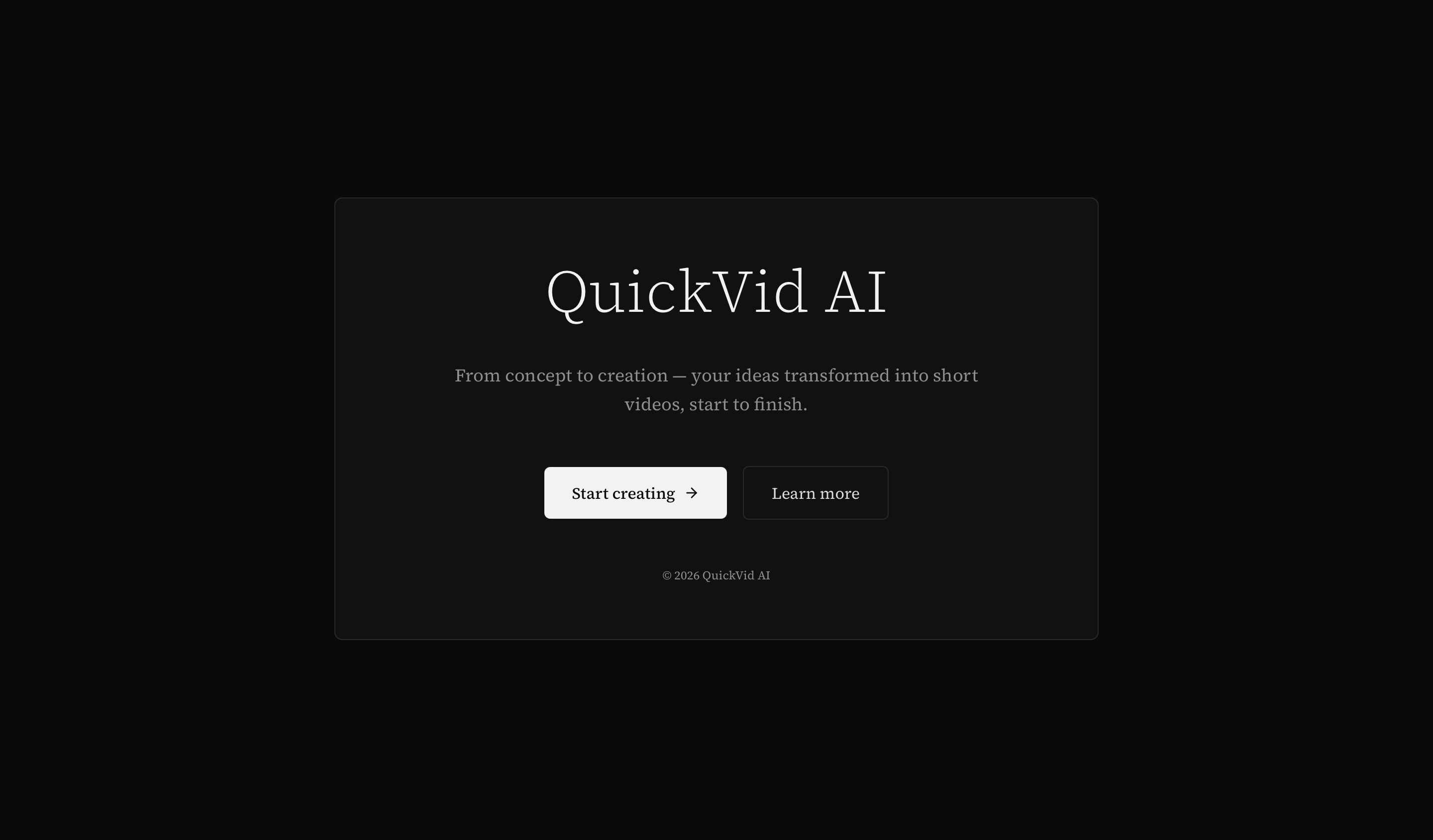
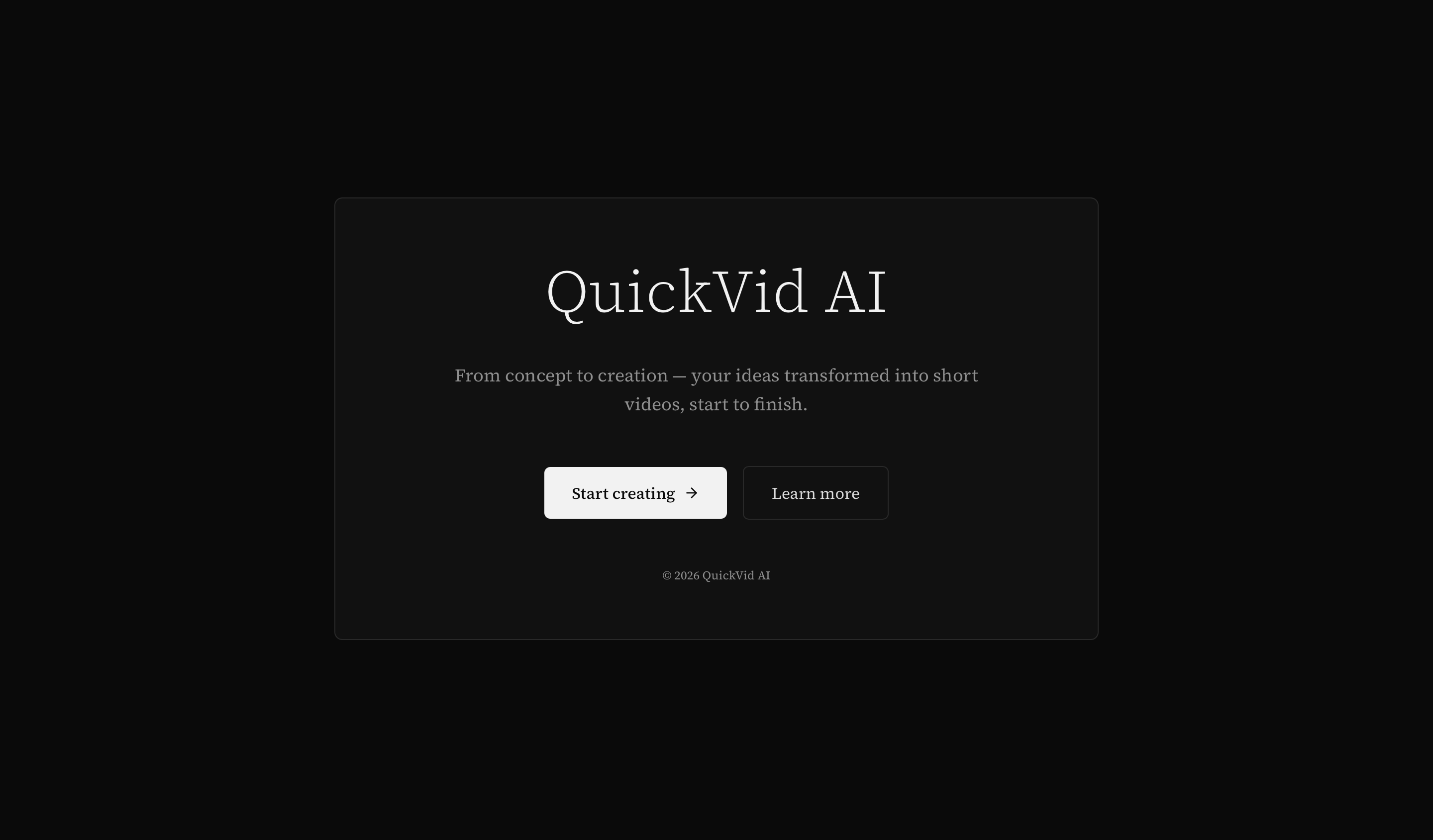
Screenshots
| Landing Page | Dashboard |
|---|---|
 | 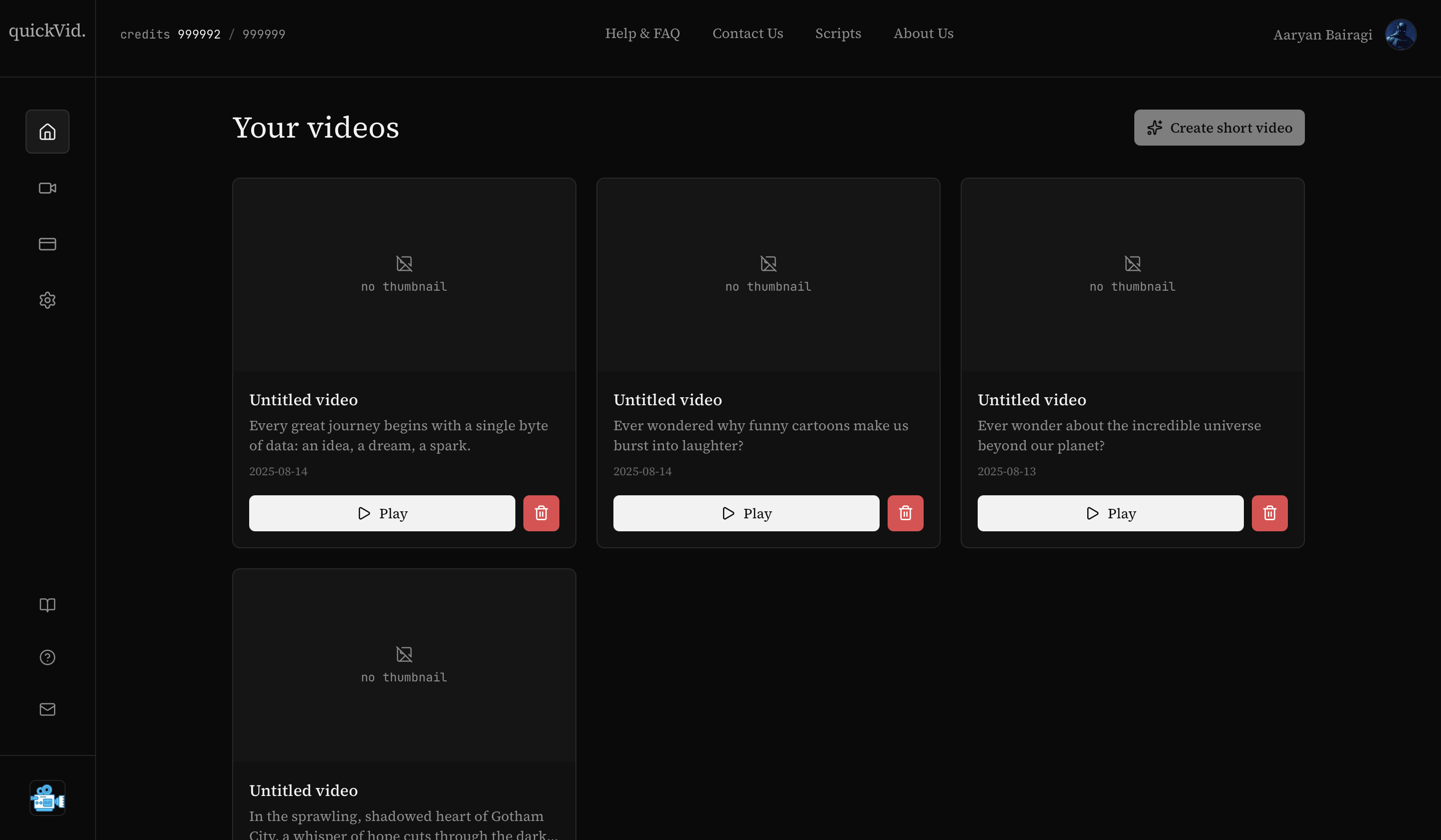 |
| Create New | Contact Us |
|---|---|
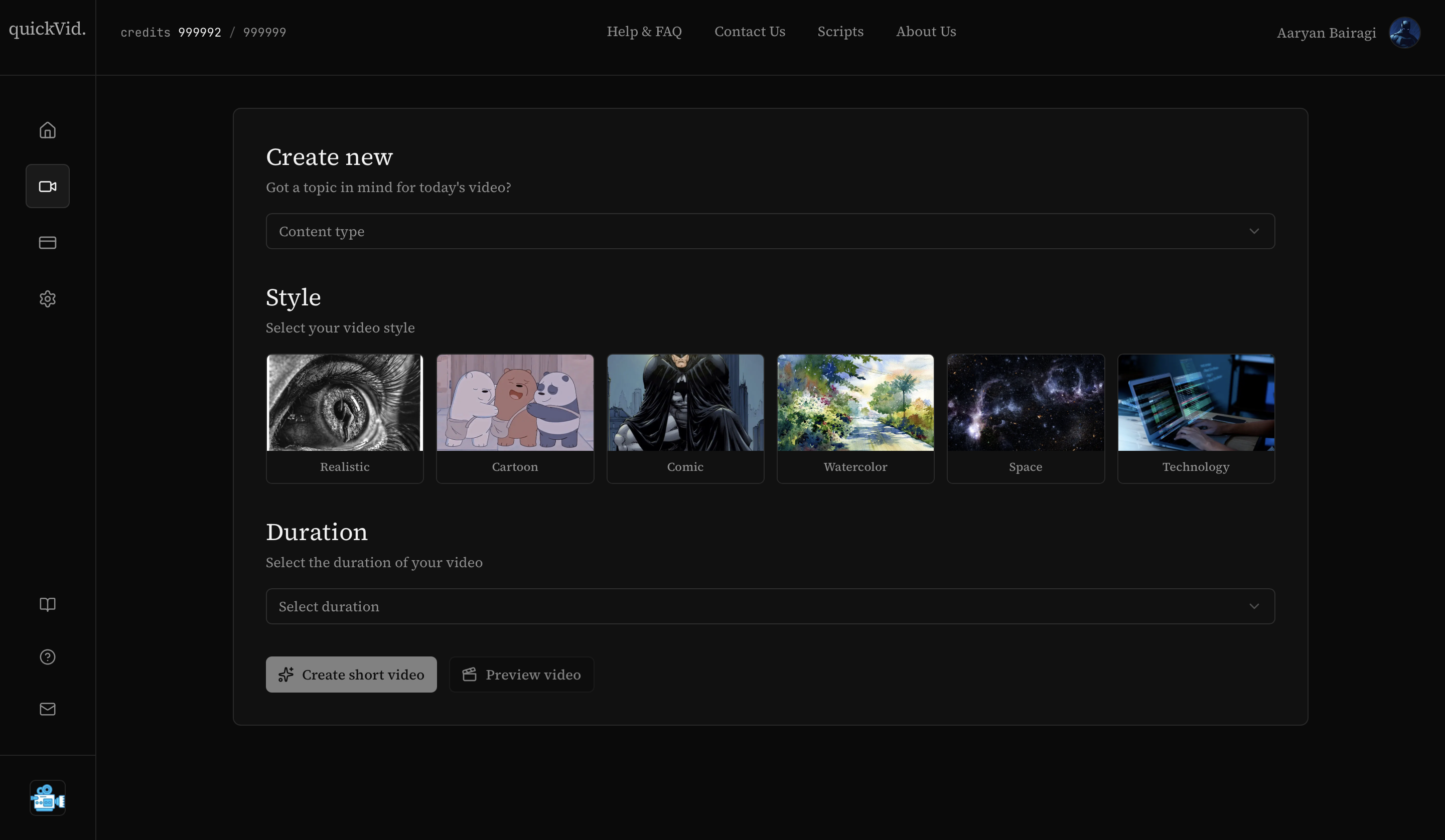 | 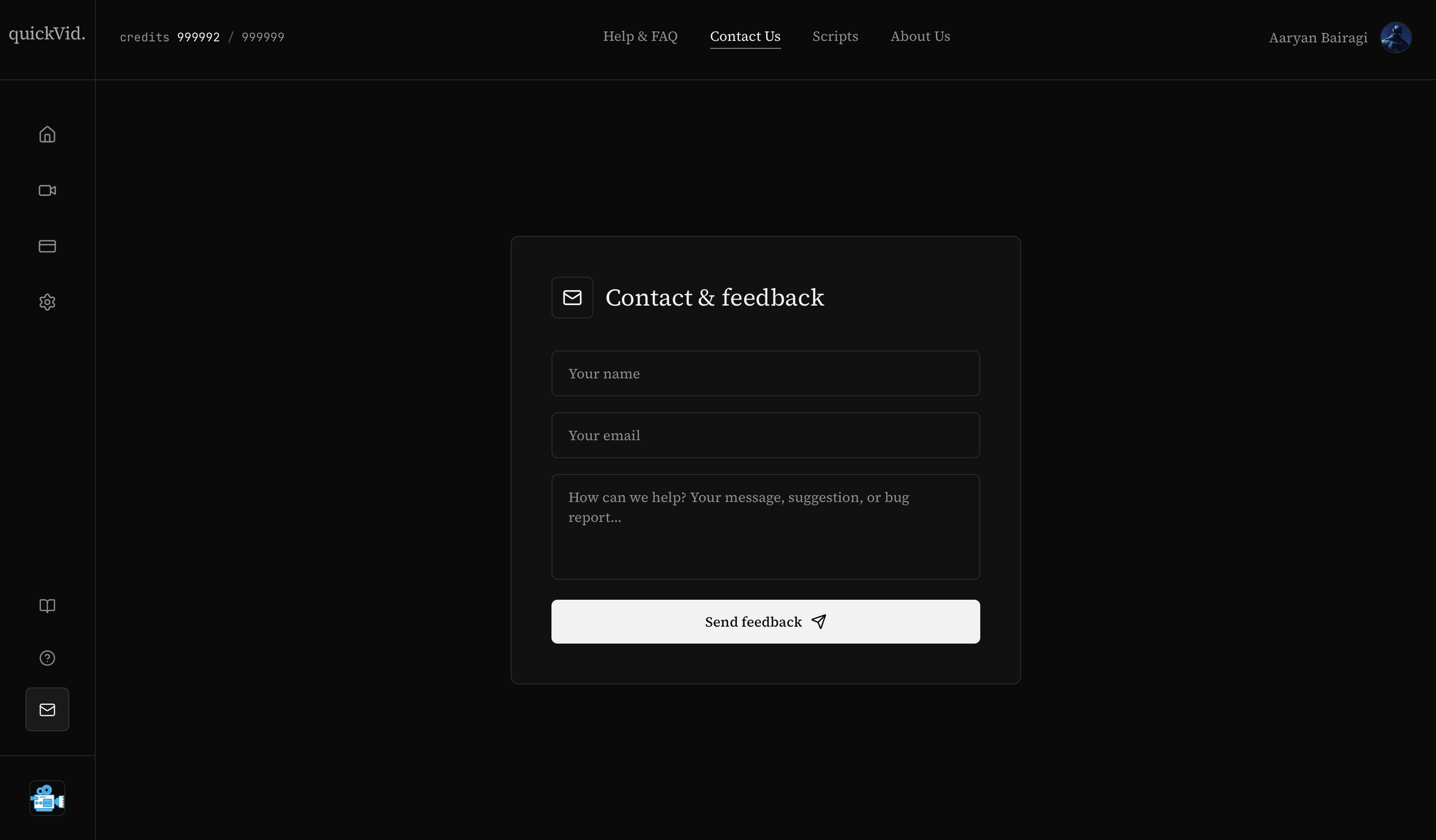 |
| Scripts Library | Upgrade Plan |
|---|---|
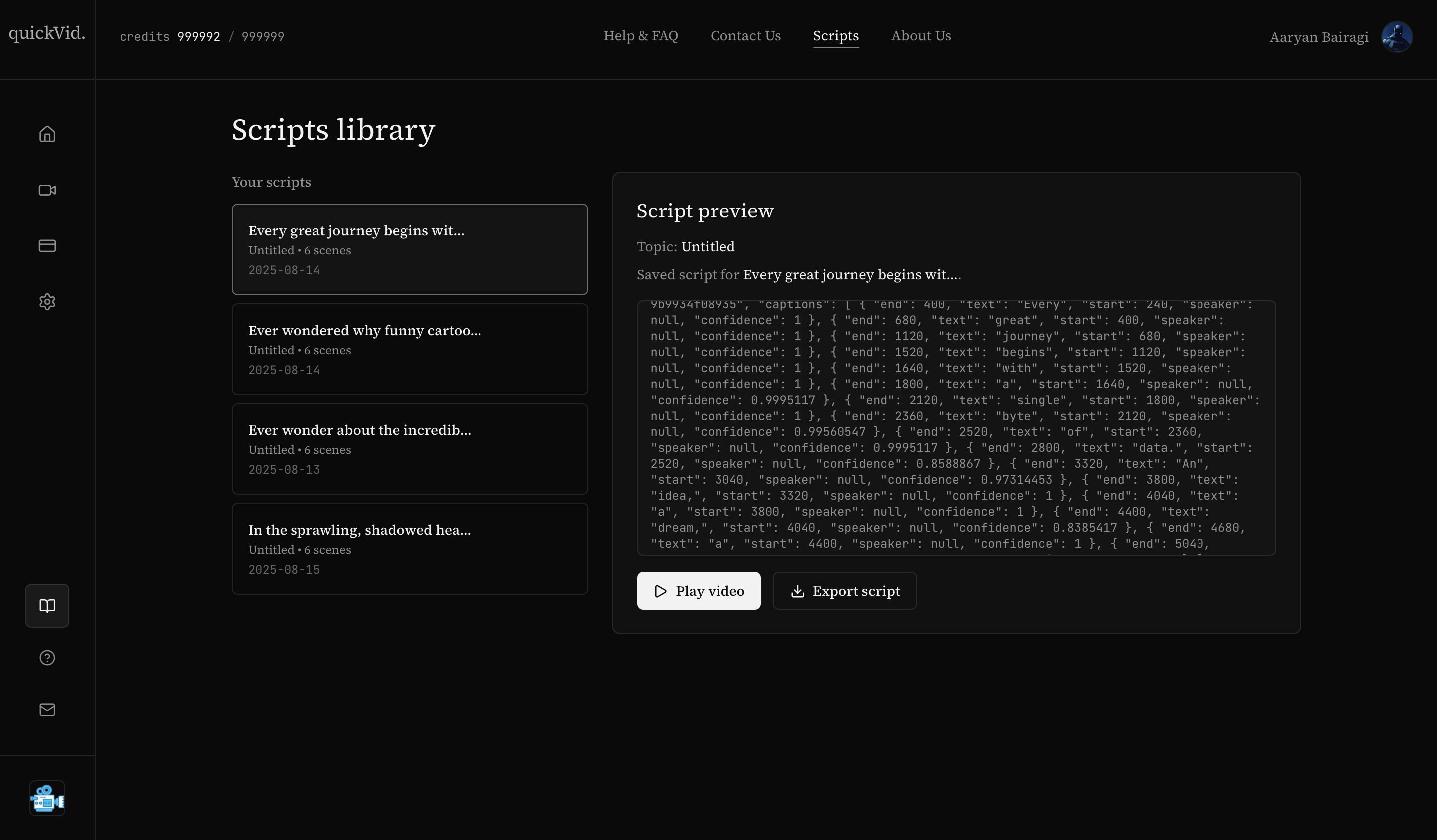 | 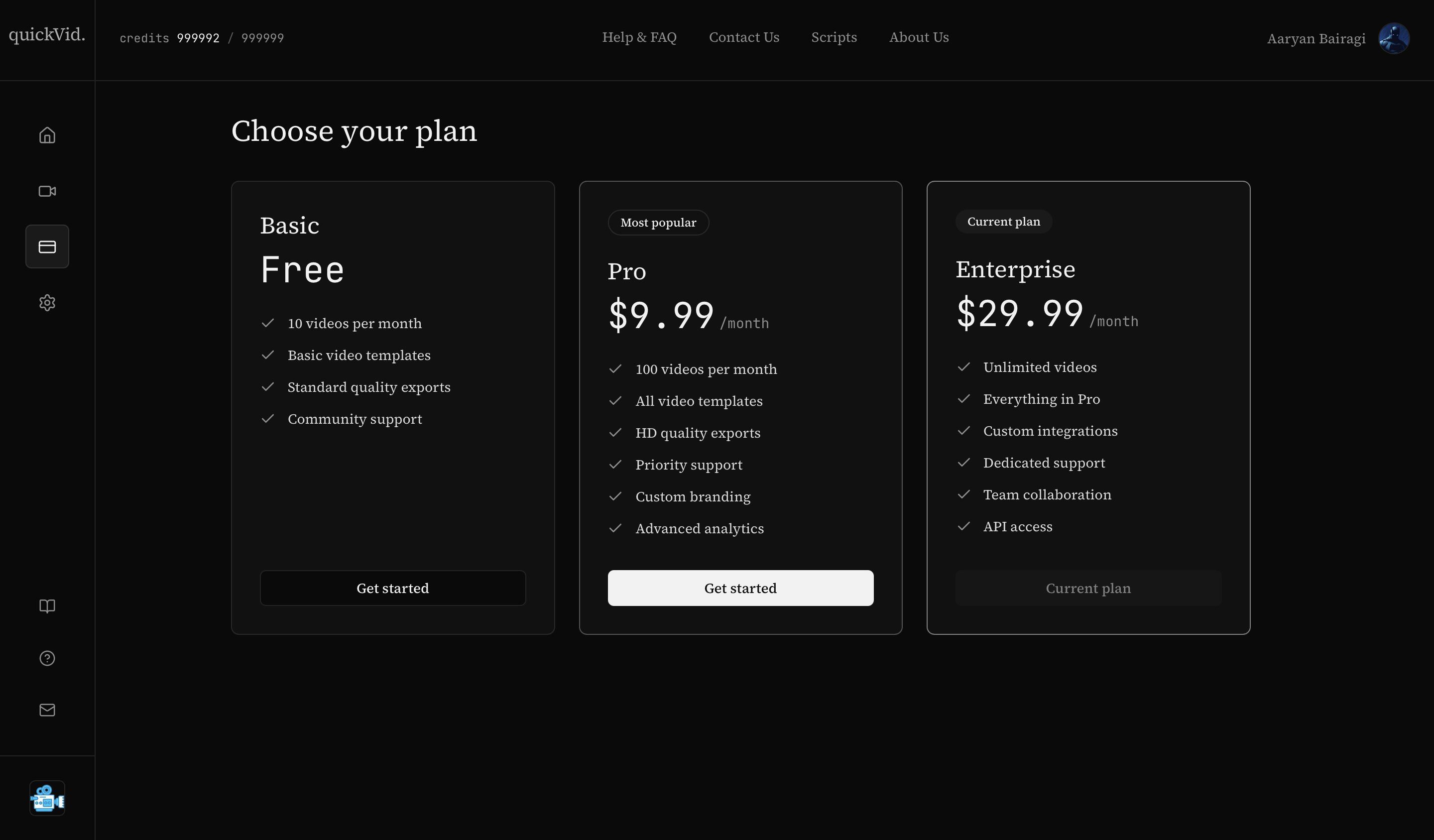 |
Local Development Setup
Prerequisites
- Node.js 18+
- PostgreSQL database (Neon free tier recommended)
- Clerk account
- Stripe account with a webhook configured
- Firebase project with Storage enabled (requires the Blaze pay-as-you-go plan — see Deployment Notes)
- API keys for Gemini, Google Cloud Text-to-Speech, Replicate, and AssemblyAI
Installation
git clone https://github.com/AaryanBairagi/QuickVid.git
cd QuickVid
npm install
Create a .env.local file with the environment variables listed below, then push the database
schema and start the dev server:
npm run db:push
npm run dev
Open http://localhost:3000.
Environment Variables
# Clerk
NEXT_PUBLIC_CLERK_PUBLISHABLE_KEY=
CLERK_SECRET_KEY=

# Database (Neon / Drizzle)
NEXT_PUBLIC_DRIZZLE_DATABASE_URL=
DATABASE_URL=

# Firebase
NEXT_PUBLIC_FIREBASE_API_KEY=

# Google AI
NEXT_GOOGLE_API_KEY=
NEXT_TEXT_TO_SPEECH_KEY=

# AssemblyAI
CAPTION_API=

# Replicate
REPLICATE_API_TOKEN=

# Stripe
STRIPE_SECRET_KEY=
STRIPE_WEBHOOK_SECRET=
STRIPE_PRICE_PRO=
STRIPE_PRICE_ENTERPRISE=

# Remotion (see Deployment Notes below — this is not your app's own URL)
REMOTION_SERVE_URL=

# App
NEXT_PUBLIC_APP_URL=
Database
npm run db:push     # push schema to your database
npm run db:studio    # inspect data with Drizzle Studio